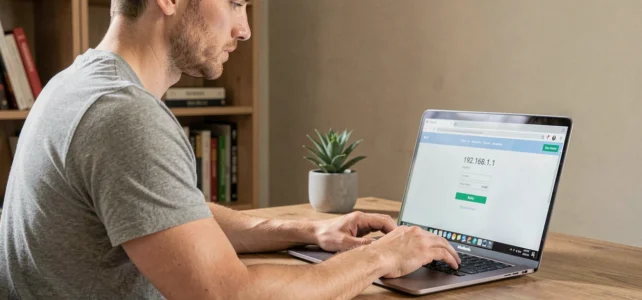
Typing 192.168.1.1 in a browser remains the most direct way to access the administration panel of a router or a box. This local IP address, known as the default gateway, opens the door to network settings, changing the Wi-Fi password, or managing connected devices. However, due to frequent typing errors (using the letter “l” instead of the number “1”) and addresses that vary by manufacturer, the connection fails more often than it should.
Why the connection to 192.168.1.1 fails: technical causes
The first source of failure is nothing technical: it’s a typo. The address 192.168.1.1 is written only with numbers, never with the lowercase letter “l”. Entering “192.168.l.l” in the address bar leads to a web search instead of querying the local network.
The second cause concerns the address itself. Not all routers use 192.168.1.1. A detailed guide allows you to access 192.168.l.l and variants depending on the manufacturers, as each brand assigns its own default gateway.
A third common case: the device used is not connected to the router’s network. The administration interface is only accessible from a device connected to the same local network, either via Ethernet cable or Wi-Fi. A smartphone connected via 4G or 5G will never be able to reach this address.
Finding the correct gateway address
On Windows, opening the command prompt and typing ipconfig displays the line “Default Gateway”. On macOS, the information can be found in System Preferences, then Network, then Advanced, TCP/IP tab. On an Android phone, the Wi-Fi connection details display the gateway directly.
| Situation | Current gateway address |
|---|---|
| Orange Box (Livebox) | 192.168.1.1 |
| Free Box (Freebox) | 192.168.1.254 or mafreebox.freebox.fr |
| Bouygues Box (Bbox) | 192.168.1.254 |
| SFR Box | 192.168.1.1 |
| TP-Link Router | 192.168.0.1 or tplinkwifi.net |
This table covers the most common configurations in France. If the gateway displayed by your system differs, it is this value that should be typed in the browser, not the one listed in a generic tutorial.
Default router credentials: what changes with European regulations
Once the administration page is reached, the router asks for a username and password. The classic combination “admin / admin” or “admin / password” still works on many older devices. This situation will gradually disappear.
The Cyber Resilience Act (EU Regulation 2024/2847), which came into effect in December 2024, requires manufacturers of digital products sold in Europe to have a secure default configuration. Home routers are directly affected. Full implementation is expected by December 2027, meaning that the next generations of boxes and routers will no longer offer trivial credentials upon delivery.
This same regulation mandates a minimum of five years of security updates for these products. Starting in September 2026, manufacturers will also have to report any actively exploited vulnerabilities on their equipment to ENISA within 24 hours.
Practical consequences for configuration
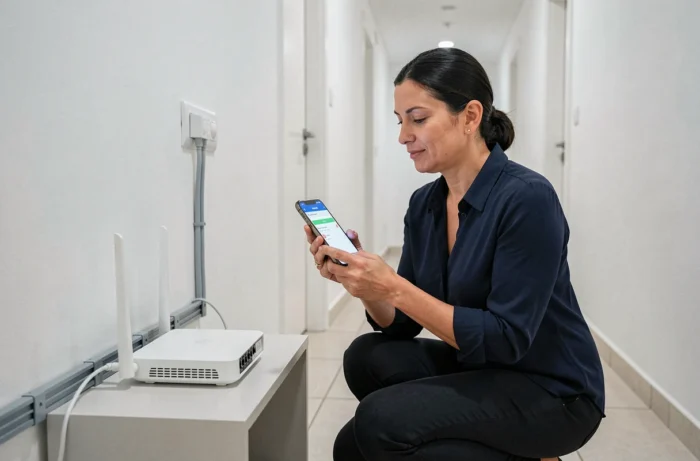
Recent routers already generate a unique password printed on a label stuck under the case. If you cannot find this label or if the password has been changed without being noted, the only solution remains a hardware reset (the Reset button held for about ten seconds). This reset restores factory settings, including the original credentials.
- Check the physical label on the router before any connection attempts: the password is usually listed there
- After resetting, immediately change the default password to a personal password of at least twelve characters
- Disable remote access to the administration interface if this option is enabled by default, as it exposes the panel to the internet
Priority settings after the first connection to the router
Accessing the administration panel without changing critical settings is like leaving the door open. Three parameters deserve immediate attention.
The first is the Wi-Fi network password. The password printed on the case often circulates among visitors, technicians, and former occupants of a residence. Replacing it cuts off access to all unauthorized devices.
The second concerns the encryption protocol. WPA3 currently offers the best protection for a home network. If the router does not offer it, WPA2-AES remains acceptable. However, WEP and WPA-TKIP have been considered obsolete for years and no longer protect against interceptions.
The third parameter is the firmware update. Most administration interfaces display the version of the installed firmware and offer an online check. Vulnerabilities discovered on TP-Link routers, documented by several security researchers in 2026, remind us that published patches are useless unless applied.
Address 192.168.1.1 inaccessible nonetheless: network diagnosis
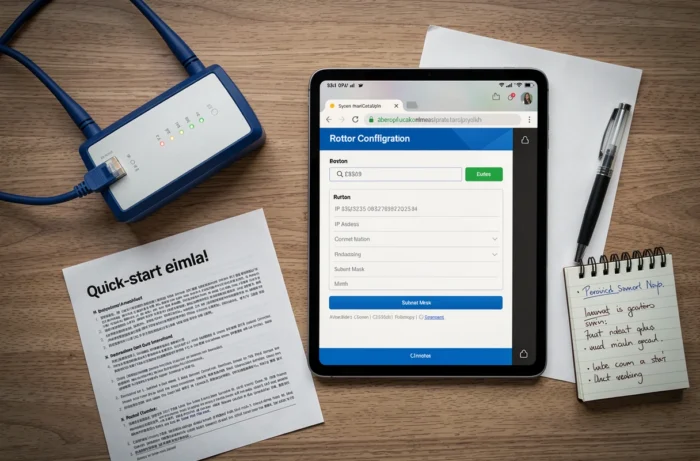
If the correct address is entered, the device is connected to the correct network, and the page remains inaccessible, the problem often lies with the browser or the network cache.
- Try another browser or a private browsing window to eliminate a cache or blocking extension issue
- Check that no VPN or proxy is active, as these tools redirect traffic away from the local network
- Test with a direct Ethernet cable between the computer and the router to rule out a Wi-Fi connection issue
- Restart the router by unplugging it for about thirty seconds, then try again
If the interface remains silent after these checks, the router may be experiencing hardware failure or its firmware may be corrupted. A complete reset via the physical button is the last resort before replacement.
Accessing the administration interface of a router via 192.168.1.1 relies on three verifiable elements in under a minute: the correct gateway address, a connection to the local network, and valid credentials. The European regulations that are gradually coming into effect will make these credentials more robust by default, but will not exempt users from changing the Wi-Fi password or keeping the firmware updated.